
The Header tab in Exit Revive App allows you to personalize the top section of your message popup with dynamic user targeting and custom text.
Header Options Explained
-
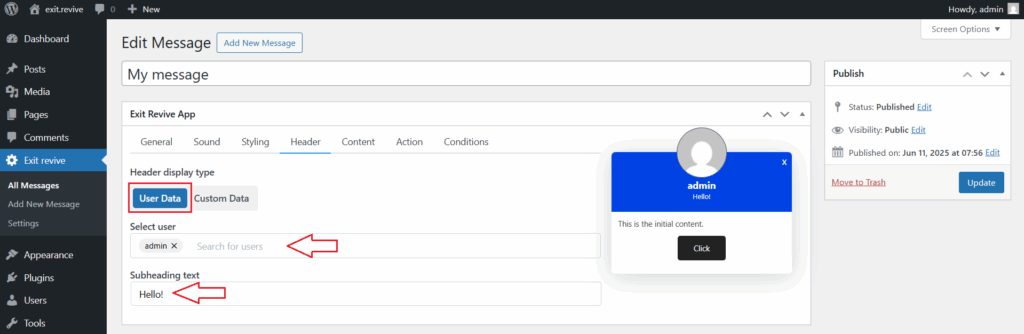
User Data
This option allows you to display user-specific information dynamically in the header.
- Select user – Choose an user
- Subheading text – Enter any subtitle to personlize your message
-
Custom Data
Use this to manually set a static message header, independent of the user’s data.
- Heading avatar URL – Select an avatar/an image from media library
- Heading text – Enter your own title text
- Subheading text – Enter a subtitle or any additional context

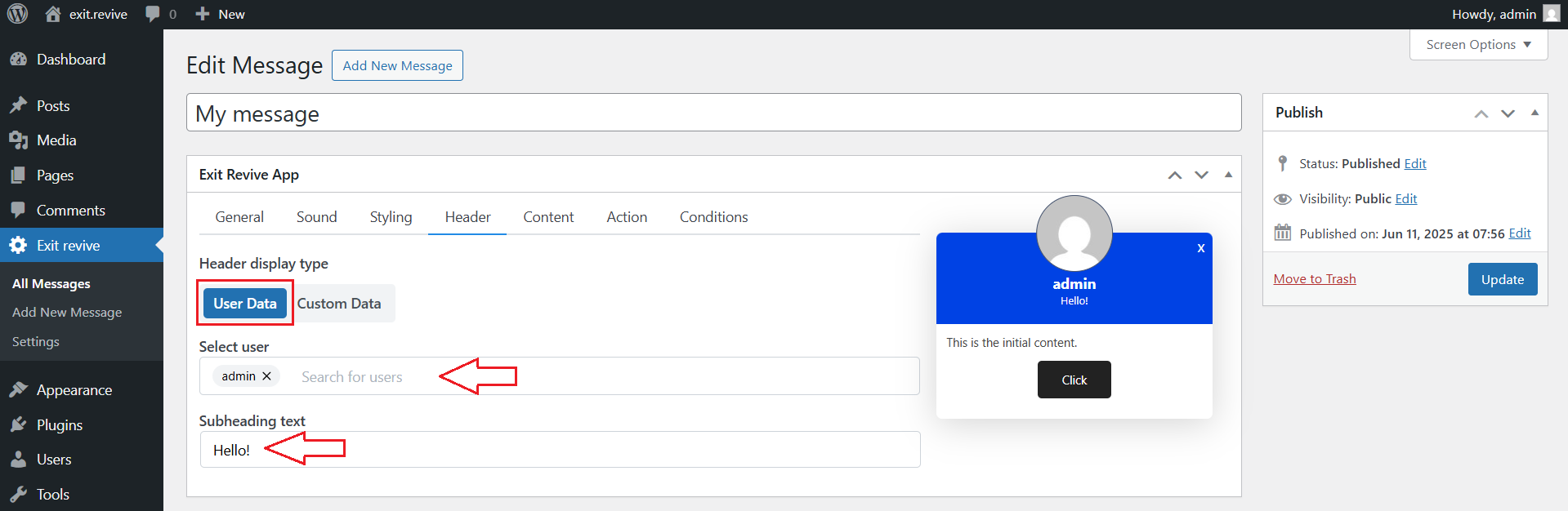

The Header tab in Exit Revive allows you to easily customize the top section of your message popups. By editing the heading and subheading fields, you can create more engaging and relevant messages that better connect with your audience.