
After connecting Exit Revive to Google Analytics, you can monitor user interactions with your messages directly from the Analytics dashboard. This includes data on impressions, clicks, and other tracked events — helping you evaluate the performance of your campaigns.
Steps to View Your Data
-
Log into Google Analytics
Go to analytics.google.com and select the property connected to your site.
-
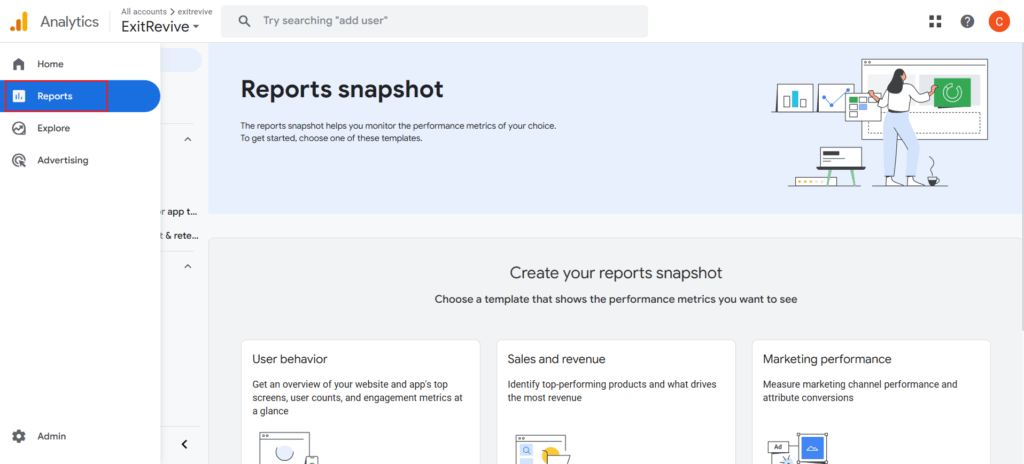
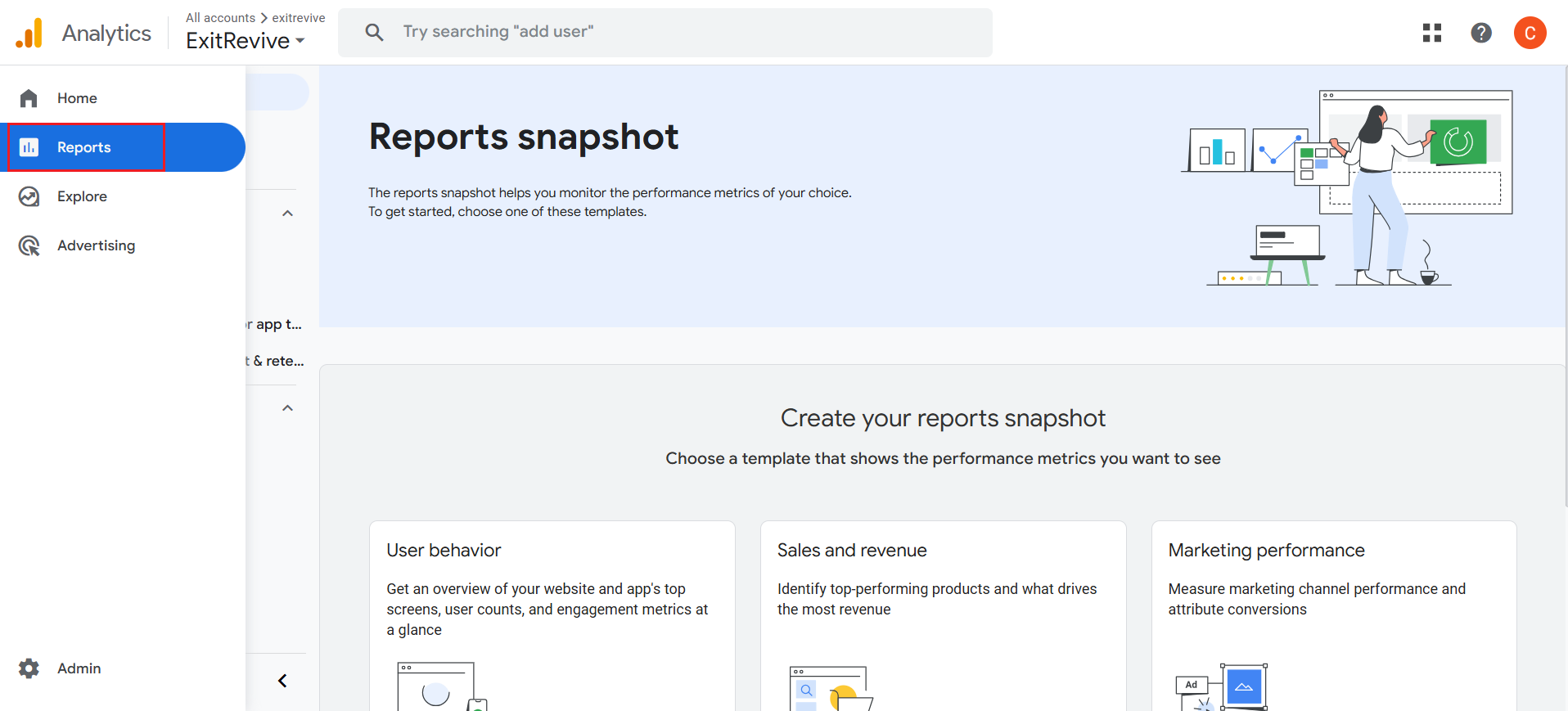
Navigate to Reports
-
Navigate to Real time overview
Look for Exit Revive Events
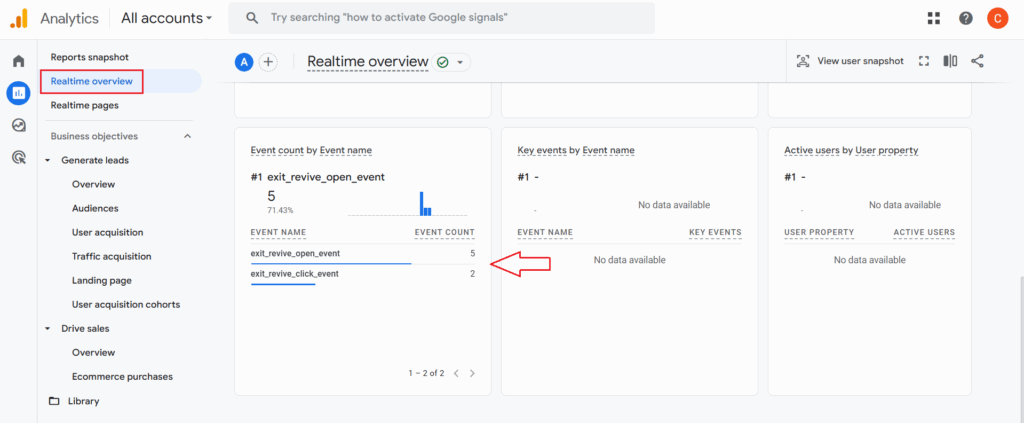
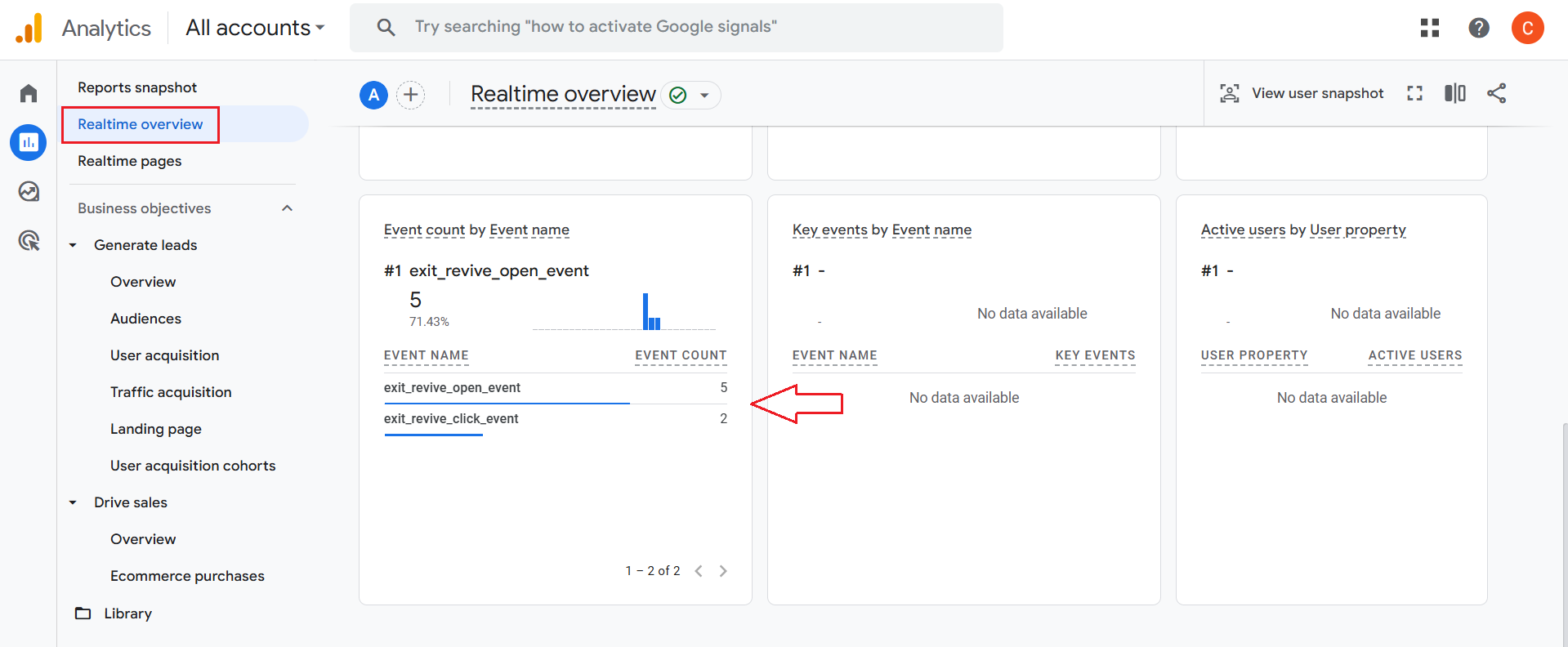
Events triggered by Exit Revive will appear here. Examples include:
- exitrevive_open
- exitrevive_click
- exitrevive_close
That’s it! You can now track how Exit Revive messages perform in real time and over time — all from your Google Analytics dashboard. These insights help you improve targeting, design, and timing for better results.