
The Styling tab allows you to fully customize the appearance of your message so it matches your brand and catches your visitor’s attention.
Here’s how to style your message
-
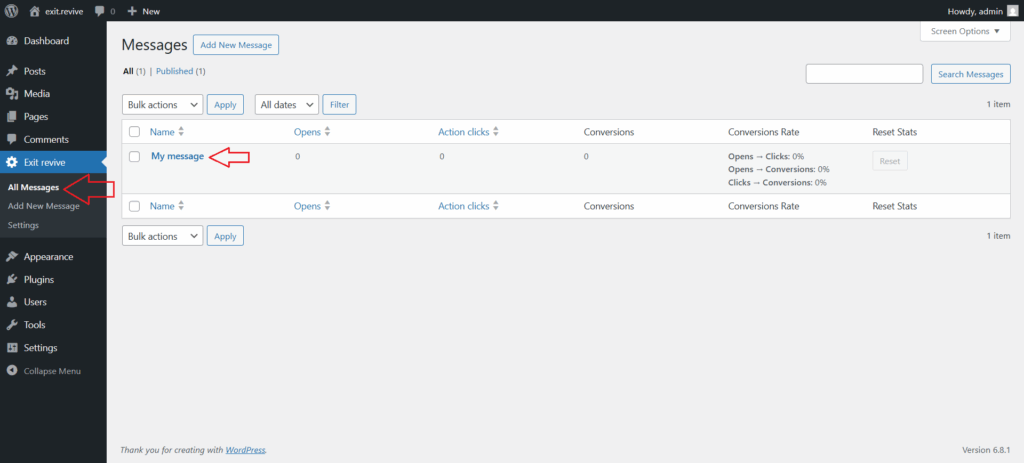
Head over to your WordPress dashboard > Exit Revive > Your message and click on edit
-
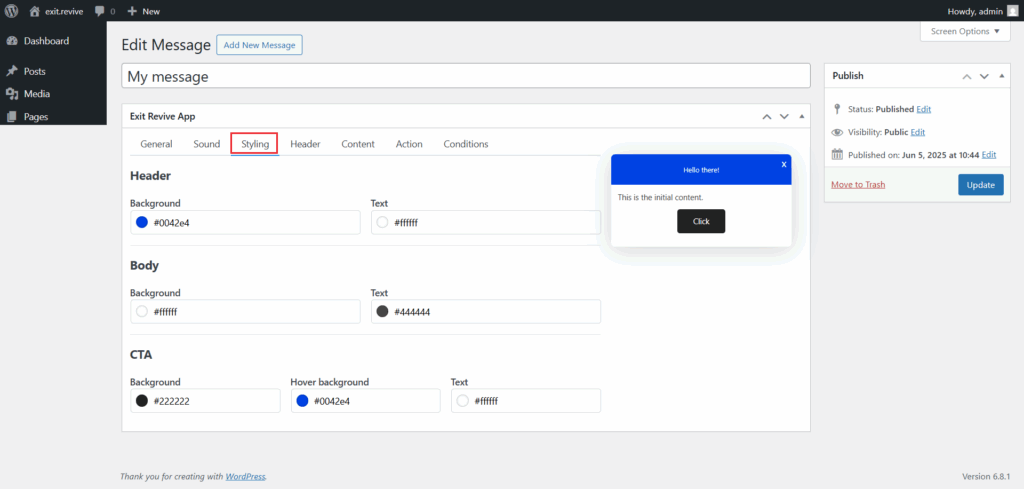
Go to the Styling tab and start customize it
- Header – Customize the message header
- Body – This is the main content area of your message:
- CTA (Call-to-Action) Button – Design the button that invites users to take action
-
When you’re ready, click the “Update” button on the right.
That’s it! You’ve styled your message!